Business Central Implementation
Unleash efficiency, implement Business Central today
If you’re looking for Dynamics 365 Business Central implementation, you may be wondering where to start and how to start so that things go smoothly. Worry no more! You are at the right place.
Why choose Dynamics 365 Business Central?
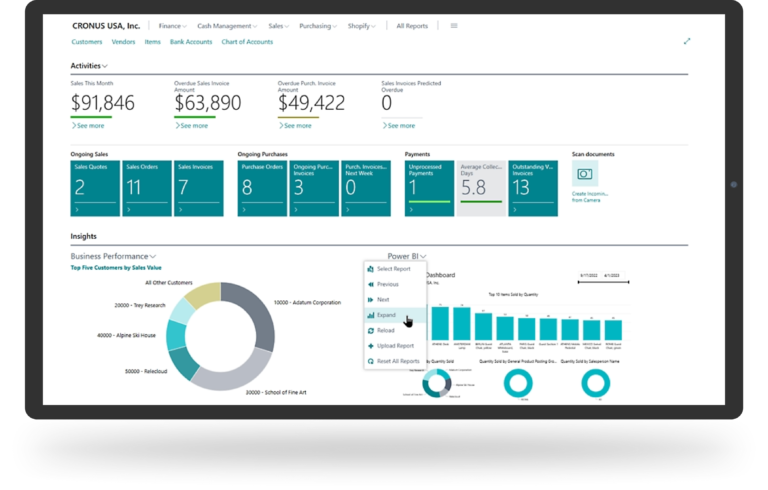
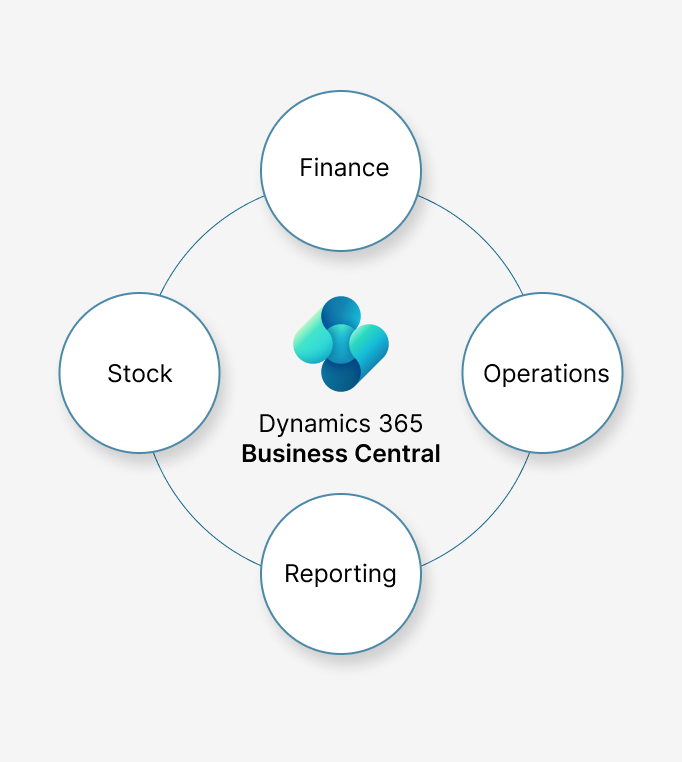
Business Central is part of Microsoft’s Dynamics 365 ERP ecosystem. It brings finance, operations, stock, reporting, and more into one system. It feels familiar if you are using the Microsoft ecosystem.
A few things customers like about it:
- month-end takes less effort and time
- less manual admin, fewer spreadsheets
- real-time numbers instead of waiting for someone to update a report
- integrates with Microsoft 365 + Power BI
If you’re on older NAV, Business Central is the next step. After upgrading, you’ll get cloud security, modern features, and fewer upgrade headaches.
Business Central implementation services
As a certified Business Central implementation partner in the UK, we support an end-to-end upgrade. That means you don’t have to juggle multiple vendors or worry about handovers. We help companies move to Business Central in a way that makes sense for how they work every day. Whether you’re considering it for the first time or upgrading from Microsoft Dynamics NAV, we assist you through the full implementation process from planning to go-live and afterwards.
Our Business Central implementation services include:
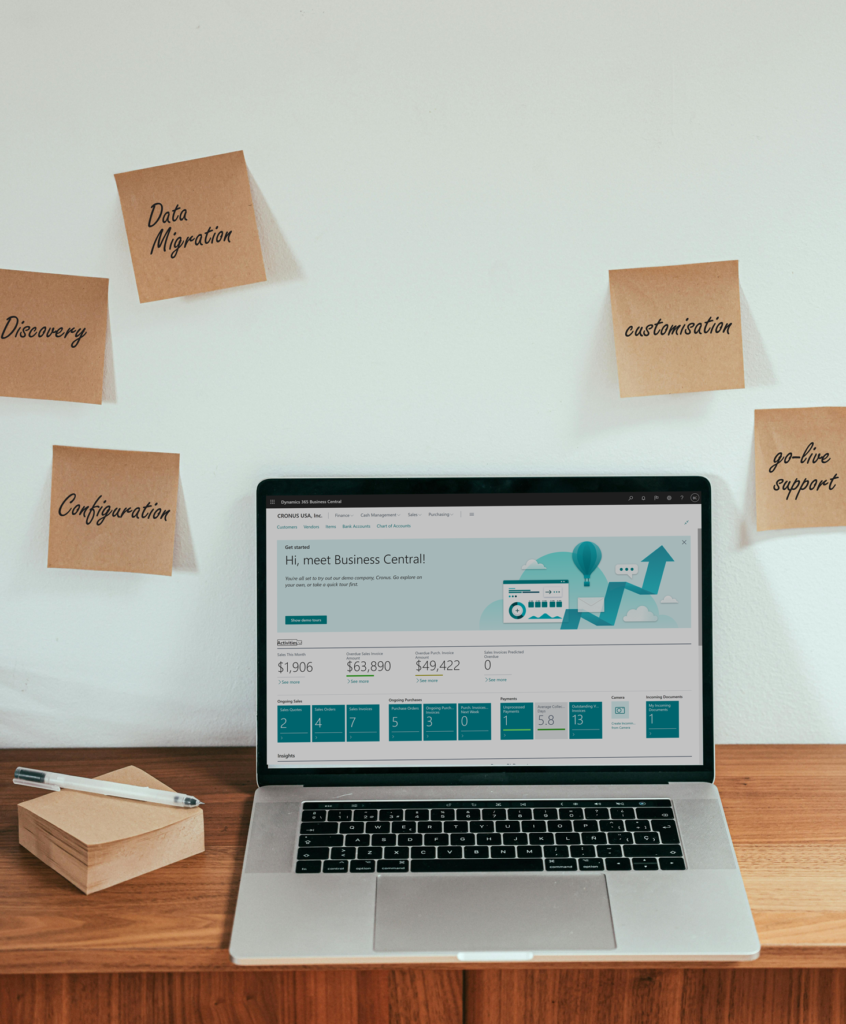
- discovery workshops and scoping
- configuration based on your processes
- data migration (cleaning + mapping included)
- integrations to other systems if needed
- customisation and workflows
- permissions + user/security setup
- training sessions for your team
- go-live support + troubleshooting
We assign an expert project manager and consultants who stay with you throughout the project.
Business Central implementation methodology
We've built a practical way of delivering Business Central, based on real world experience. Our methodology is not over-engineered. It’s simple, predictable, and transparent.
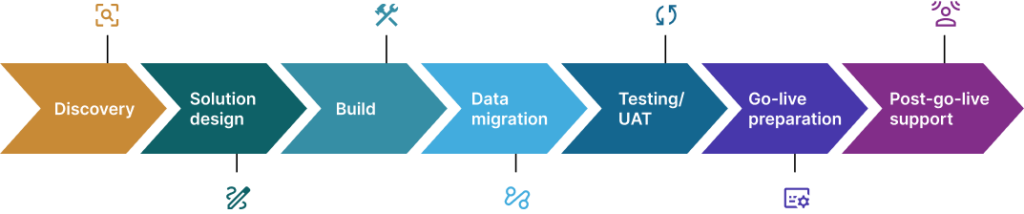
Discovery:
We review your current processes, pain points, data, and goals to understand what the system truly needs to support.
We review your current processes, pain points, data, and goals to understand what the system truly needs to support.
Solution design:
We map your processes into Business Central and agree on workflows, features, integrations, and any required extensions.
We map your processes into Business Central and agree on workflows, features, integrations, and any required extensions.
Build:
We configure Business Central, apply extensions where needed, and align the system to your agreed design.
We configure Business Central, apply extensions where needed, and align the system to your agreed design.
Data migration:
We clean, map, and migrate essential data such as customers, suppliers, items, balances, and open transactions.
We clean, map, and migrate essential data such as customers, suppliers, items, balances, and open transactions.
Testing / UAT:
Your team tests real scenarios in the system to confirm processes work correctly before going live.
Your team tests real scenarios in the system to confirm processes work correctly before going live.
Go-live preparation:
We finalise data, train users, confirm access, and ensure everything is ready for a smooth launch.
We finalise data, train users, confirm access, and ensure everything is ready for a smooth launch.
Post-go-live support:
We support users after launch by resolving issues quickly, fine-tuning processes, and ensuring stable daily operations.
We assign an expert project manager and consultants who stay with you throughout the project.
Business Central implementation project plan
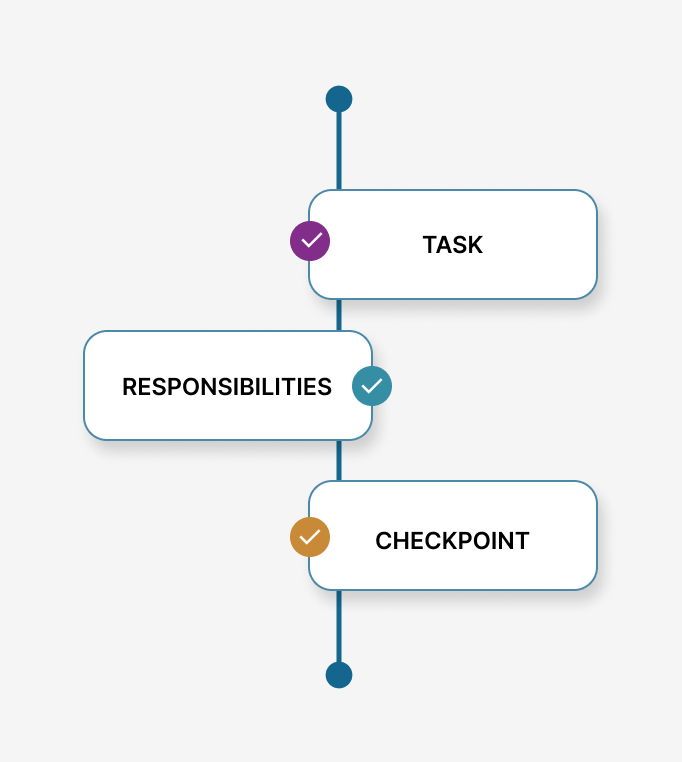
We create a project plan with clear tasks, responsibilities and checkpoints so everyone knows what’s happening next. No vague timelines.
Most implementations take around 2–4 months; the exact implementation time depends on:
- how much historical data you bring over
- number of integrations
- number of users and modules
We’re happy to share a sample plan if you’d like to see what the journey looks like.
Let’s plan your Business Central implementation
If you’re planning a fresh Business Central implementation or have planned an upgrade, we can help you assess your requirements and estimate timelines and costs.
Business Central implementation methodology
If you are still evaluating your next steps, we can share a practical Microsoft Business Central Implementation Guide. It outlines key preparation steps, project expectations, common risks, and what to plan internally before starting implementation.
This guide is based on real project experience and helps you prepare properly before beginning your Business Central journey.
Business Central implementation project plan
We create a project plan with clear tasks, responsibilities and checkpoints so everyone knows what’s happening next. No vague timelines.
Most implementations take around 2–4 months; the exact implementation time depends on:
Key factors that influence the cost include:
Current system landscape
Whether you’re moving from spreadsheets, legacy ERP, or disparate tools.
Functional scope
Which areas you want covered: finance, inventory, production, supply chain, projects, CRM, etc.
Number of users and security roles
How many people will use the system and at what level.
Data migration needs
Volume of master and transactional data, data quality, and cleansing effort.
Integrations and customisation
Links to eCommerce, CRM, payroll, BI tools, or industry-specific add-ons.
Process complexity
Standard business processes are simpler to implement than bespoke or regulated ones.
Training and adoption support
The level of onsite training, documentation, and change coaching required.
Implementation is not just a technology solution, but a business transformation. That is why cost tends to vary depending on the level of alignment required between your business and the ERP.
Migrating from Microsoft Dynamics NAV
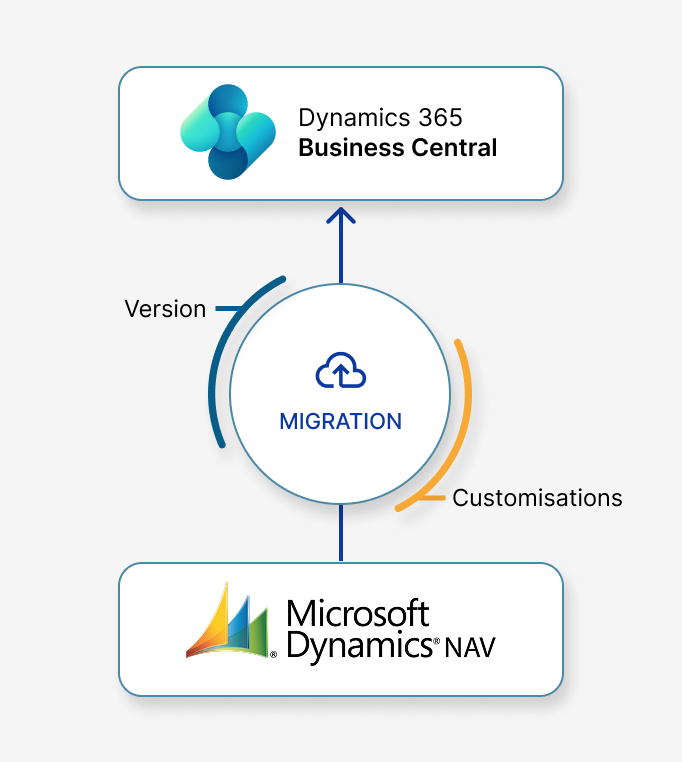
We help organisations migrate or upgrade from NAV to Business Central. Depending on your version and customisations, we’ll advise whether a direct upgrade or re-implementation makes more sense.
Key parts of the NAV migration service:
- upgrading objects/extensions
- cleaning old data before import
- rebuilt reporting where needed
- user training to close knowledge gaps
NAV to BC migration doesn’t need to be hectic. We make the process practical, transparent and smooth.

Why Choose Us as Your Business Central Implementation Partner UK
We’re a UK-based Microsoft Business Central partner with hands-on experience delivering ERP projects for growing and mid-sized organisations across manufacturing, distribution, retail, and services. Our consultants understand UK accounting standards, reporting needs, and operational realities, which helps avoid rework and costly delays.
We’ve supported hundreds of UK businesses through Business Central implementations, upgrades, and ongoing optimisation, focusing on clean data, stable processes, and user adoption. Our approach prioritises clarity over complexity, ensuring the system supports day-to-day work as well as long-term growth.
Frequently asked questions
Usually 8–16 weeks, but it can also vary depending on the scope.
Yes. Training is built into the rollout using your live system, not some sandbox.
Not really, you only need business stakeholders and process owners.
It depends on modules, users, integrations, customisation and data complexity. We provide a detailed estimate before work begins.
Yes, we offer ongoing support + managed services.